
FREE ONLINE DRESS-UP GAME
MiniMuse Fun character creator
Dress up your doll, create an OC, and download your design. An independent MiniMuse alternative.
No account · Made in your browser
Getting your character ready…
FOR YOUR NEXT ORIGINAL CHARACTER
A MiniMuse alternative.
A workshop of your own.
Looking for a MiniMuse game alternative you can play in your browser? Meet MiniMuse Fun: an independent, free character creator with its own illustrated wardrobe. Mix an outfit, try an expression, and give your original character a pose.
Build right here in your browser. Arrange up to four characters in a scene, bring in your own PNG artwork, and download the finished picture. No account is needed to use the editor.
MiniMuse and MiniMuse Fun are different games. MiniMuse Fun is not affiliated with Studio Sirenia and does not use MiniMuse’s artwork or project files.
Compare MiniMuse Fun and MiniMuseMADE IN MINIMUSE FUN
One wardrobe. Different stories.
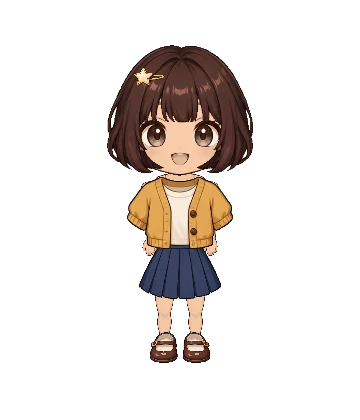
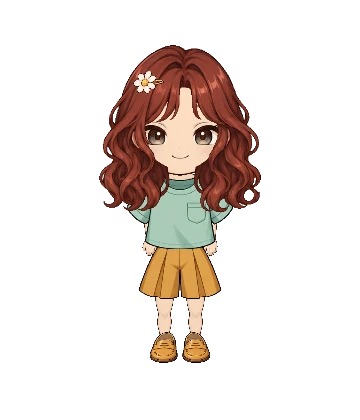
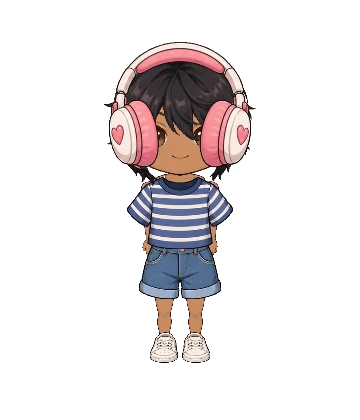
GET MORE FROM THE STUDIO
A few useful skills.
Specific advice for the tools you’re using.
Make your first original character
Choose a look, build an outfit, and save your first OC.
Get layers and poses working together
Fix hidden accessories and adjust the details of a gesture.
Download a transparent character PNG
Choose the view, background, and image size you need.
Create on your phone
Find the mobile controls and keep your finished picture.
Is this the official MiniMuse game?
No. This is MiniMuse Fun, an independent browser character creator with different artwork and tools. Visit the official MiniMuse website for MiniMuse itself, or read our MiniMuse comparison to understand the differences.
Can I make characters for gacha-style stories?
If you found us by searching “MiniMuse gacha,” try designing an original character, dressing them up, and posing a small cast in MiniMuse Fun. Choose pieces directly from the wardrobe, arrange up to four characters, and download the scene as a PNG. There are no character pulls or paid summons. Start with our character creation guide.
Is the character creator free?
Yes. The wardrobe, character poses, scene tools, personal PNG imports, and image downloads are available without payment or a MiniMuse Fun account.
Can I play on mobile?
The studio adapts to phone and tablet screens. The character preview appears first, with the wardrobe underneath. Select a piece, then tap Edit details to adjust its color, size, and position. Read the mobile guide for practical tips.
Where are my characters saved?
Your working draft and My projects are saved in this browser on this device. They do not sync between devices. Clearing site data can erase them, so download a PNG of any finished artwork you want to keep.
Can I create a transparent PNG?
Yes. Open Download options beside Download PNG, choose Transparent background, and select an image size. The exported image contains your character or scene without the editor controls.
Can I import MiniMuse assets or project files?
MiniMuse Fun cannot open MiniMuse projects. Your art accepts your own PNG drawings or images you have permission to use; it does not include a MiniMuse asset library. Check the original creator’s rules before bringing in any third-party artwork.